Released on 16 October 2026Introductory price until 12 NovemberVersion 1.5 · free update
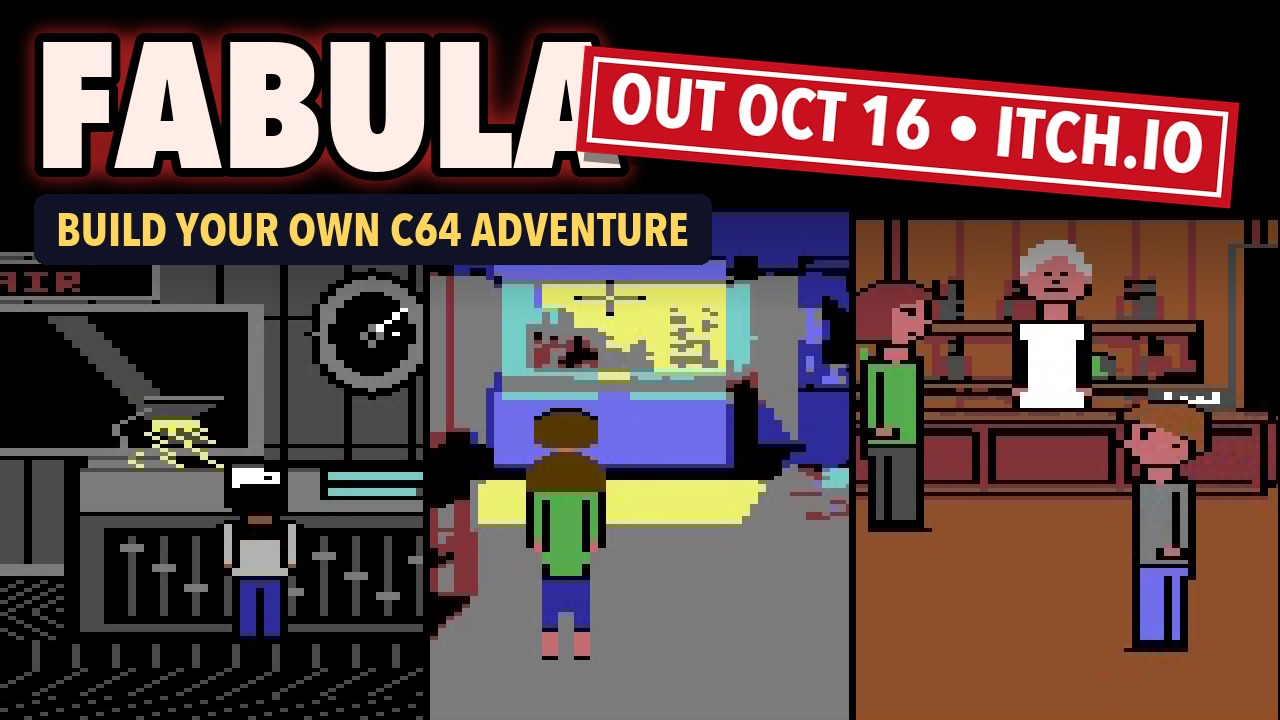
FABULA C64 is out.
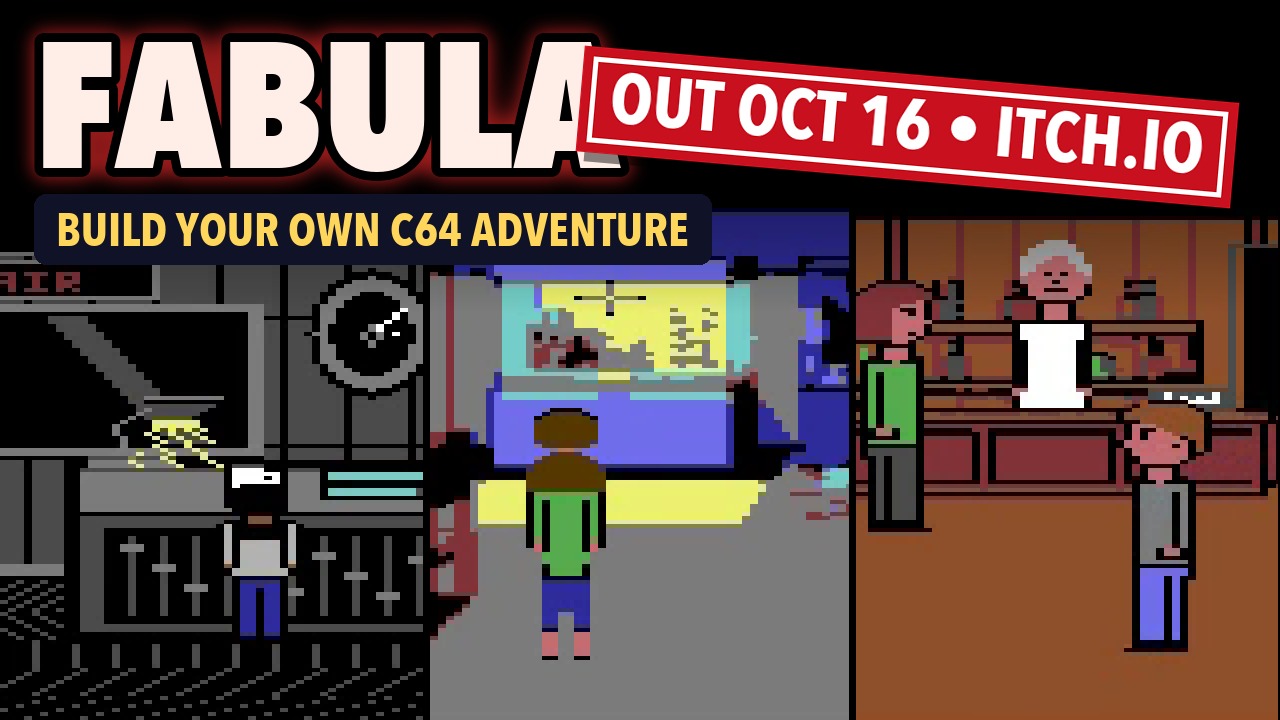
The workshop for your own point-and-click adventures on the Commodore 64: paint rooms, click scripts together, write SID music – out comes an EasyFlash cartridge for VICE, the Ultimate 64 and the real C64. With SENDESCHLUSS as a complete example project and the manual in English and German.
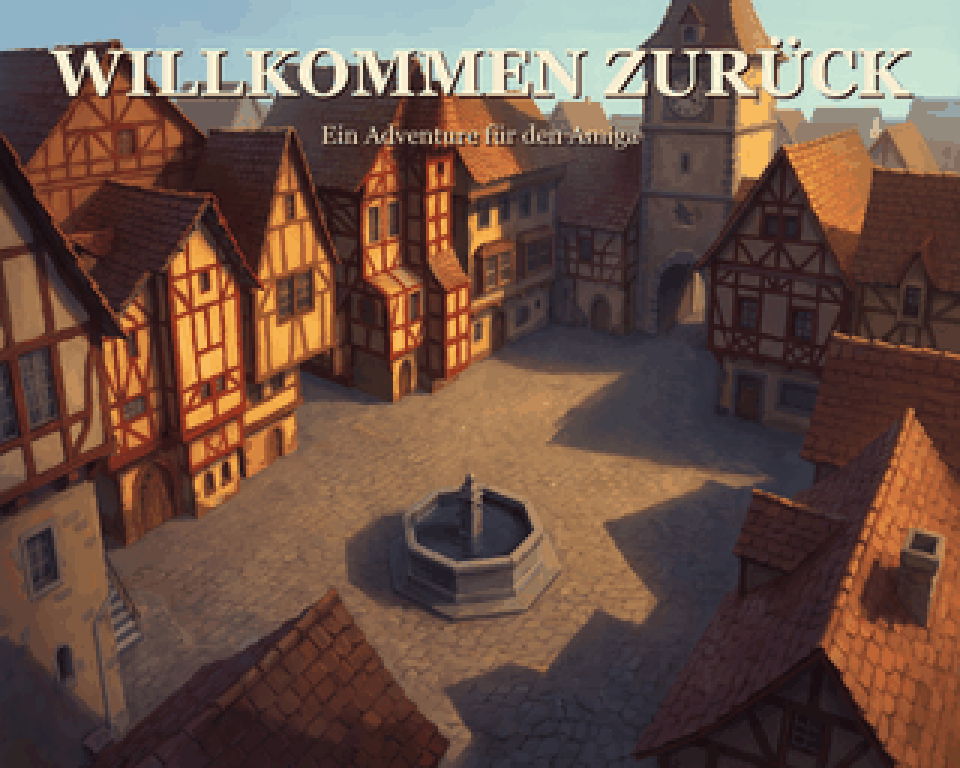
An engine of its own for the Amiga 1200 with AGA: point-and-click adventures in 256 colours, in the style of the VGA versions of Monkey Island 2 and Indiana Jones 4. The workshop runs on modern computers, the finished game on the A1200 – and already on real hardware, a Vampire V4 Standalone.
The Amiga version is in the middle of development and is planned for late 2026. The C64 version is out now on itch.io, since 16 October 2026.
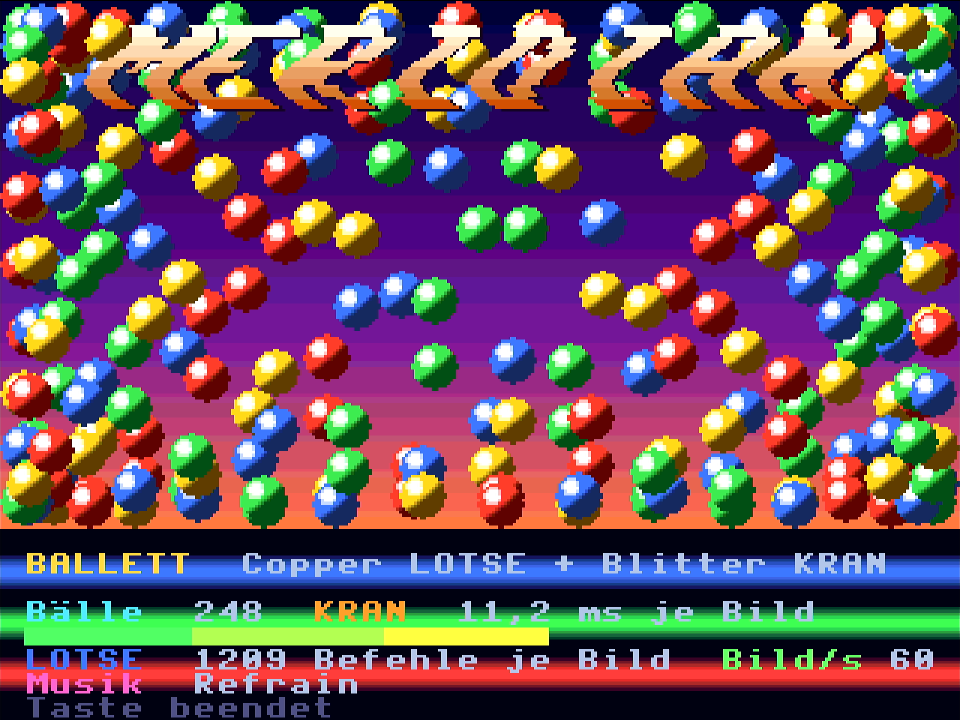
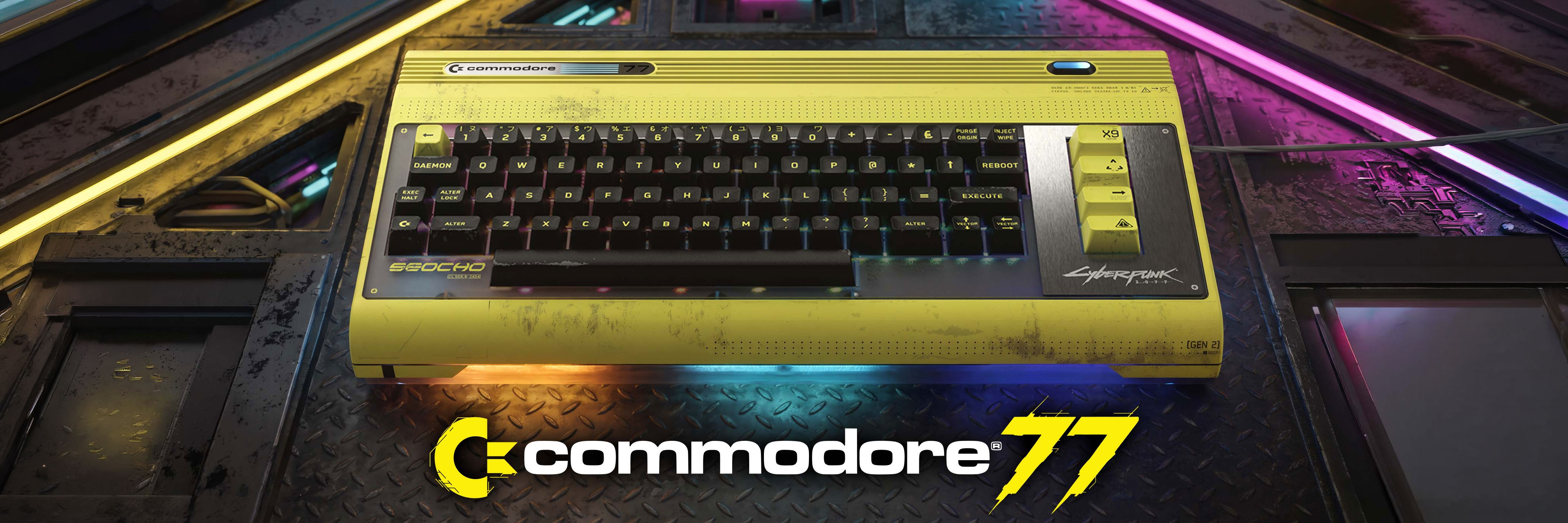
Somewhere between the C64 and the Amiga: a brand-new home computer as an FPGA core for MiSTer – with custom chips for graphics, sprites, sound, copper and blitter, Microsoft BASIC, disks, networking and 16 MB of memory. It runs on real hardware, and the core is out – free and open source on GitHub. Since version 1.0 with a look of its own and built-in tools like the Pico-8: sprites, maps and sounds right on the machine.
The Commodore 77 is expected to arrive in early 2027. Retro-Modern is already gathering ideas for games and software that don't just possess the larger FPGA – but visibly utilize it.
From an empty project to a playable C64 adventure room
The Deep Dive shows FABULA without shortcuts: import the room image, define the walkable area and characters, add hotspots and waypoints, animations, music and sound, build a conversation and puzzle – then play the result on real C64 hardware.
47 minutes
C64
Editor
Ultimate 64
Clicking the preview image loads the YouTube player in enhanced privacy mode. Data will be transferred to YouTube. Privacy Policy
The release trailer was recorded live from a Commodore 64 Ultimate: three games made with FABULA, and the workshop you build them in – until one click on Build turns it into a cartridge.
C64: out now, since 16 October 2026 – currently version 1.2Introductory price until 12 November: $23.42 · then $32.99, plus VAT in the EU (in Germany about €25 / €35 in total)Amiga (AGA): planned for late 2026
The Retro-Modern forum is the place for everyone building adventures with FABULA, programming for MERIDIAN or talking about the videos: ask questions, report bugs, show your own games and programs – in English or German. And of course we are still around at Forum64.
As of today there is FABULA C64 1.5 – a free update for everyone who bought FABULA, downloaded from itch.io as before. Projects open and build with it unchanged. One thing for finished games: rooms are now stored packed on the cartridge, and a cartridge rebuilt with 1.5 no longer offers saved games from an old one – anyone in the middle of a game is best off finishing it on the old cartridge.
New are over 100 rooms instead of around 45, twelve verbs or a bar with only the inventory, questions with answers, narrator voices, hires characters, the MIDI import, a GIF export and a workshop with a new look, a start page, templates and a game’s connections as a graph – all in detail in the workshop log entry of 29 October. With that, every wish from the forum and from Forum64 is done; new ones are collected in the wish thread in the forum.
C64Workshop
FABULA C64 1.2: bitmap rooms, smooth scrolling and many wishes
A room that doesn’t scroll may now be a multicolour bitmap by the Koala rule or a real hires bitmap with 320 pixels and two colours per cell – one click in the toolbar above the canvas switches it, from what is already painted. Koala pictures go onto the title screen pixel for pixel, packed Koala and Doodle files import, and the template stays in the project, so a picture can be converted again later with other settings.
In the game, wide rooms now scroll smoothly, pixel by pixel, RESTORE or F1 opens a small menu with music, saved games and keys, and standard sentences may have several versions. Much of it came from the forum and Forum64: the same name for several doors, walk-to points as numbers, your own colours for the bar, a joystick with momentum and a magnet. Plus an emergency backup and a crash log. Projects open and build unchanged; 1.2 is free for everyone who bought FABULA.
C64Engine
FABULA C64 1.1: more room for big games
While we were building SCHATTENFELS, one corner of the C64's memory ran full: the area from $8000 that holds the credits and the scripts of the objects you carry. In the end there were 32 bytes left, and a credits roll with the full cast no longer fit. In 1.1 the credits have a bank of their own on the cartridge and are fetched line by line while they scroll – up to 204 lines, without a single byte of the computer's memory. What the scripts of carried objects say now lives on the cartridge as well, and the tables behind them only list objects that actually have such a script. In SCHATTENFELS the free space there went from 32 bytes to about 2.6 KB.
On top of that, the image import has two new settings: a colour plan that decides which C64 colour wood, stone, flames or sky become, and scaling down without mixed colours, where every pixel takes the most common colour around it. Fixed: a mouse click on port 1 could pause the game, and “Now you are playing …” can now be translated. Projects open and build unchanged; 1.1 is free for everyone who bought FABULA.
C64Workshop
SCHATTENFELS: a whole game as a test
To see how far FABULA goes, we built a whole game with it: SCHATTENFELS, Chapter 1 – nine rooms, two playable characters you switch with W, three puzzle threads side by side, its own SID music, a hires title screen, flickering candles and a fire in the hearth. Built with the workshop as everyone has it, in English and German from one project.
The build showed where it gets tight – the memory from $8000, which then became 1.1 – and two small bugs that were fixed for everyone with 1.1. The trailer was recorded live from a Commodore 64 Ultimate; the game comes out free on 23 October.
Preview images are hosted locally on Retro-Modern. Only when you click a video is the YouTube player loaded in enhanced privacy mode and data transferred to YouTube. Privacy Policy
FABULA / Version 1.5
FABULA C64 1.5 – the time jump
Professor Fledermann skips 1.3 and 1.4: everything new in 1.5, spoken in German, with English subtitles.
FABULA / SCHATTENFELS
SCHATTENFELS – the trailer
Chapter 1 of a Halloween adventure built with FABULA C64 1.1 – out free since 23 October.
FABULA / Release
FABULA C64 – the release trailer
Live from a Commodore 64 Ultimate: three games made with FABULA, and the workshop behind them.
MERIDIAN / HORIZONT
Desktop, radio and SID jukebox
The MERIDIAN's graphical desktop: the ATLAS file manager, internet radio, SID JAM for listening together and TAKTSTOCK in the net jam.
FABULA / Teaser
The Professor's Office
A time-travel teaser built entirely with FABULA – with speech through the FunMP3 player.
MERIDIAN / Introduction
The home computer that never was
The chips, the tracker TAKTSTOCK with its light-show column, FABULA on the MERIDIAN – and finally the demo FIRST816 (in German).
FABULA / Release update
What's in it on 16 October
The professor and his assistant from the Deep Dive go through the package and what you need to get started (in German).
FABULA / Short
A C64 room in 60 seconds
From an empty project to a playable room: 47 minutes in the workshop as a time-lapse, set to SID music.
FABULA / Short
Halloween on the C64 too
A spooky adventure built with FABULA – a taste of the Deep Dive.
C64 / SID / vinyl
SID Chip Club by LMan
C64 techno on vinyl – LMan's SID sound on the turntable.
FABULA / Workshop update
Ron shows what's new
Speech, icon bar, character sets and more – explained by Ron himself (in German).
FABULA / C64 / Ultimate 64
Zak's Bedroom — Tech Test
An internal feasibility test showing the editor, animations and the result on the Ultimate 64 – not a download project.
C64 / SID / AI
ZWEIKLANG — two genuine SIDs
8580 and 6581, Claude AI and Ultimate 64 E2 in a C64 demo.
C64 / Assembler
LISSAJOUS — 6502 on genuine hardware
Mathematics, raster effects and demoscene atmosphere directly on the C64.
C64 / NES / Amiga
PIXEL LEGENDS — three worlds
Retro legends on genuine Apollo-V4SA and 68080 hardware.
AI / Amiga / 68080
AI meets 68080 — FRED-80
What happens when modern AI meets genuine Amiga hardware?
Channel Teaser
Retro-Modern in 23 seconds
A brief look at the world between yesterday and tomorrow.
Old systems are not just demonstrated here. They are given new tasks, new tools and sometimes quite unusual partners.
01
Genuine Hardware
C64, Ultimate 64, Turbo Chameleon 64, Amiga and Apollo 68080 – whenever possible, the result runs on the actual device.
10
Home-built
Assembler, small tools, custom demos and experiments instead of mere nostalgia.
11
Modern Tools
AI, Python and today's development environments help bring new ideas to old machines.
About Retro-Modern
Between the breadbox and the future.
Retro-Modern is a channel for everyone who loves technology. It's about Commodore, Amiga and C64 – but just as much about modern games, gadgets, AI and the question of what happens when you combine both.
Whether you're a retro fan, a curious gamer or a tech nerd: the channel tells stories, shows projects and tries things out. No high-gloss lab. Instead, genuine hardware, personal curiosity and the joy of building.